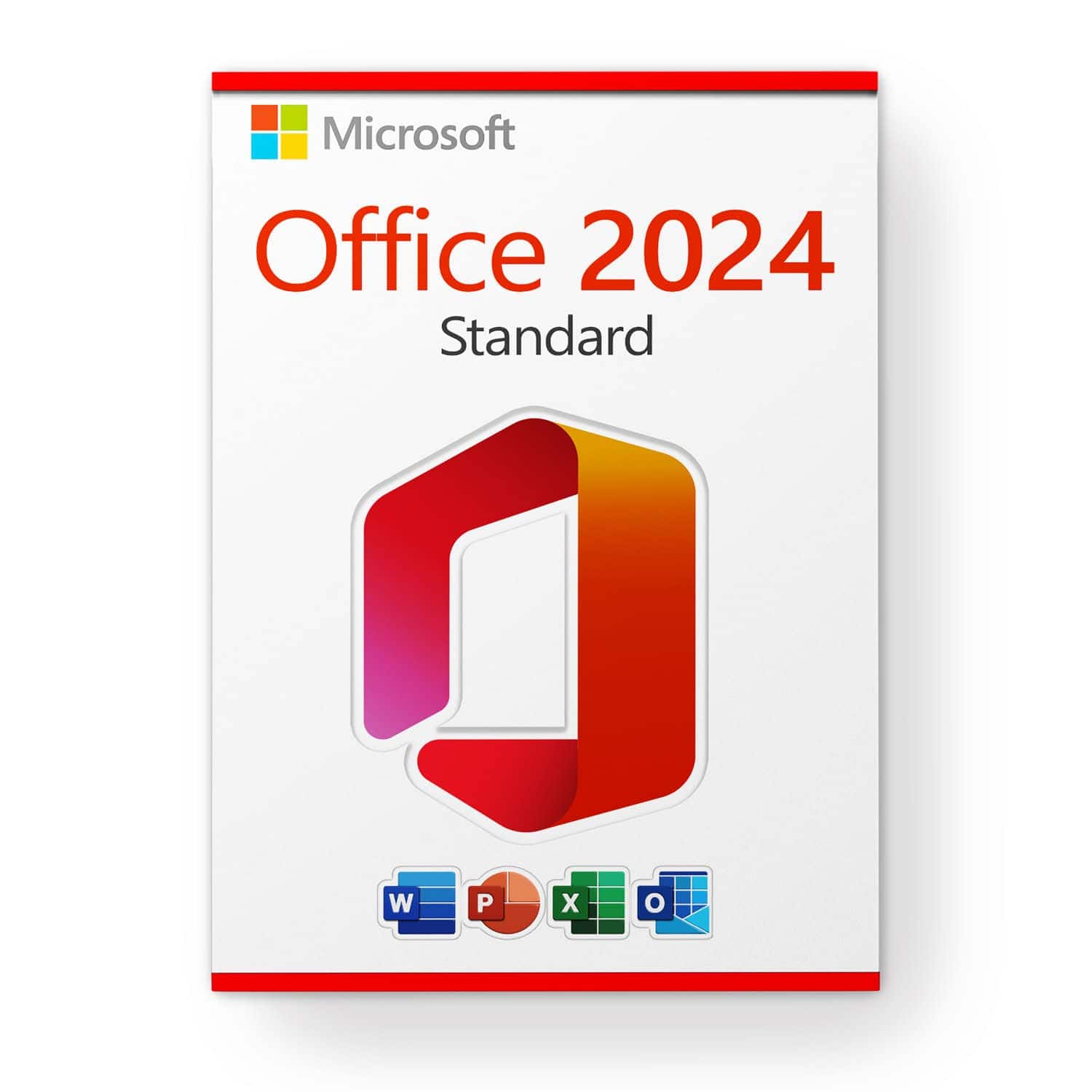
The difference between Professional Plus and Microsoft Office Standard lies in the included applications. While Microsoft Office Standard offers the same basic package as Microsoft Office Professional, Access and Publisher are missing in Microsoft Office Standard.
Archives: FAQs
Why are we cheaper than our competitors?
As we source large quantities from major corporations and various European procurement channels, we can keep the price extremely low in most cases. Additionally, we deliver all our products digitally, eliminating the shipping costs usually associated with physical products.
Is there any preparation necessary for the upgrade?
Before upgrading to Microsoft Windows 11, consider the following steps:
- Check compatibility: Use Microsoft’s “PC Health Check” tool to ensure your PC meets the system requirements.
- Back up data: Secure important files on an external drive or in the cloud.
- Install updates: Update your current operating system and all drivers to the latest version.
- Check software compatibility: Ensure your applications are compatible with Microsoft Windows 11.
- Free up space: Make sure there’s enough storage space for the upgrade.
- Create a system restore point: Set a restore point in case issues arise.
These steps help facilitate a smooth upgrade.
Is the download not working or is it interrupted?
First, try an alternative browser. If that doesn’t help, please temporarily disable your antivirus or firewall during the download. All installers/images come directly from Microsoft and do not contain any viruses, malware, etc. – we guarantee it!
Can MS Microsoft Office 2021 be used on a Mac?
Currently, we only offer Microsoft Office 2021 Home and Business that works on Mac. In general, consumer customers can purchase Microsoft Office 2021 for Microsoft Windows and Mac, and business customers can now purchase Microsoft Office LTSC for Microsoft Windows and Mac. Microsoft Office 2021 and Microsoft Office LTSC 2021 are the next permanent releases of Microsoft Office. They include improvements over Microsoft Office 2019 and previous versions of Microsoft Office on-premises.
What is LTSC?
Microsoft Office LTSC is the latest perpetual version of Microsoft Office for business and government customers, a license-based license available as a one-time “perpetual” purchase, available for both platforms (Microsoft Windows and Mac). Like the previous version Microsoft Office 2021, Microsoft Office LTSC will include Word, Excel, PowerPoint, Outlook, OneNote, Access (Microsoft Windows only) and Publisher (Microsoft Windows only).
What Microsoft Office 2021 for Mac is available?
Microsoft Office Home & Business 2021 or Microsoft Office Home & Student 2021 are also available for Mac for a one-off purchase. The Microsoft Office applications Word, Excel, PowerPoint, Outlook and OneNote are available for Mac. The Publisher and Access applications are not available for Mac.
Do you offer after sales support?
Our customer service is available 24/7 and will be happy to help you quickly with any questions you may have. Please simply send us an email or use our chat to get in touch with us.
In some cases, we also offer a free remote support session. This involves us connecting to your PC remotely so that we can fix the problem as if we were on site. You can be sure that you can follow every step we take. To make this possible, we use the free AnyDesk software.
New Microsoft Windows Feature: Update all installed programs with Microsoft Windows 10/11 using the console (Winget)
Winget is a package manager for Microsoft Windows that allows users to install, update, and manage software from the command line. Developed by Microsoft, it is part of the Microsoft Windows Package Manager. With Winget, users can view a list of available packages, install specific software packages, update already installed software, and perform various other actions, all through simple command-line commands. It resembles the functionality of other package managers like APT for Debian-based systems or YUM for Red Hat-based systems but is specifically optimized for Microsoft Windows.
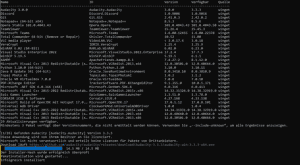
To update all installed programs on your Microsoft Windows 10 or Microsoft Windows 11, simply enter the following command:
Winget upgrade –all
For more information and additional commands, visit: https://learn.microsoft.com/en-us/windows/package-manager/winget/
Can I purchase a large number of licenses at once?
If you wish to place a bulk order, please send us an email specifying the desired product and quantity. We will respond promptly and confirm your order based on product availability.